

You are using an out of date browser. It may not display this or other websites correctly.
You should upgrade or use an alternative browser.
You should upgrade or use an alternative browser.
Question / Help Good config for streaming and recording
- Thread starter zenek
- Start date
720@30fps 2500 bitrateHello,
I'm recording on youtube and streaming sometimes, but i can't find a good config for me. Can you help me?
Cpu: i5-3210m
Gpu: AMD HD 7670m 2GB
Ram: 8GB DDR3 1600mhz
HDD: 500GB 5400RPM
Internet: ~50mb/s download, ~20mb/s upload\
Thanks
sure, well since that is your base resolution, just use that with no downscale.Thank you but i have a little problem with recording in 720p because laptop have resolution 1366x768.
either, but optimized for streaming. If you are doing both then you will need to go with the lesser of settingsThanks but this settings are to stream or recording?
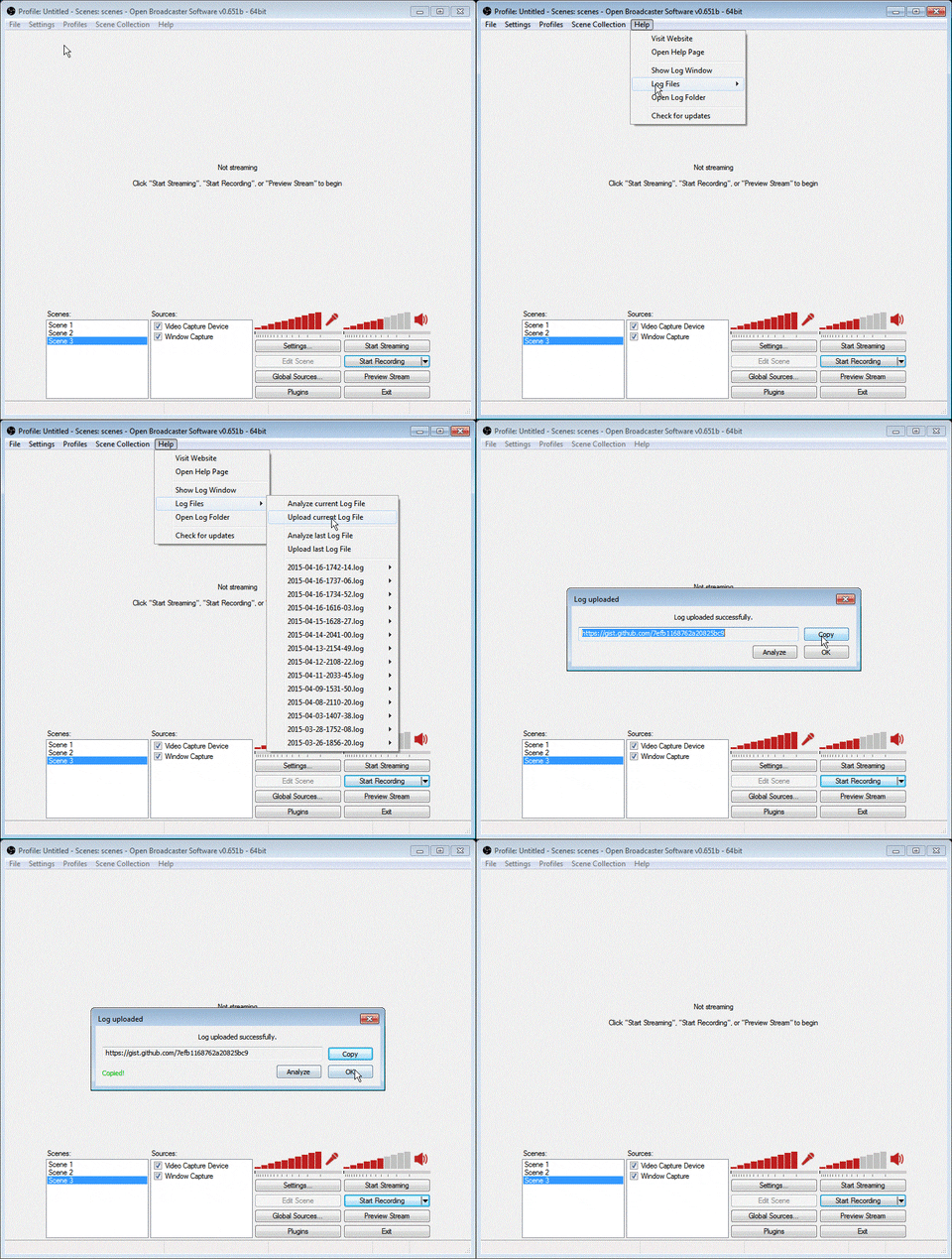
you should post your logfile from streaming and a separate (restart OBS for new log) logfile for recording. I can help you with each if you aren't doing them at the same time.And do i advance settings have to change?
PS: Which codec is better and i have to use?
PS2: You don't understand me i want sometimes only recoridng not streaming :)
There is a profile you can make for each recording and streaming when you press settings, this will allow you to have templates for each. local recording can go much higher bitrate and has more tolerance for higher settings for the same reason.
Streaming can be more strict in what you can and cannot do.

Boildown
Active Member
That's called the "profile", not the "preset".Which encoding preset is better main or high?
Use High unless you want to view the video on a older portable device, like a cell phone, that doesn't support High. I think modern cellphones and tablets are fine with High profile now-a-days; the Twitch recommendation to use Main was from a few years ago and is out of date now, imo.
Hardware support is one thing, often software support is limited to main through twitch api. This is because not all phones can do high and until high is standard, this simply will leave mobile viewers with crappy video.That's called the "profile", not the "preset".
Use High unless you want to view the video on a older portable device, like a cell phone, that doesn't support High. I think modern cellphones and tablets are fine with High profile now-a-days; the Twitch recommendation to use Main was from a few years ago and is out of date now, imo.
Boildown
Active Member
Unless you have viewers complaining they can't watch on their mobile devices, you should be fine to use High imo. Hell, test it yourself, do a test stream on High and load your Twitch stream on a smart phone. If it plays for you, it should play for others. If not, then think about switching to Main.
Just don't stream with those settings. bitrate way to high for streaming and again with the profile set to high.i recording on cbr 16000kbps, quick sync- best quality1, high preset, and 60fps and its good thank you
:)
you can also use OBS Studios (aka OBS Multiplatform) and stream at one bitrate and record at a higher one. its actually versatile enough to allow you to use x264 for streaming and quicksync for local recording