No "Connect Account" for Twitch and no Chat / Stream Information / Twitch Activity Feed docks

b2amZyG6t6

New Member
Hi everyone,

I'm completely new to OBS and to streaming, and I'm trying to set up OBS for Twitch/Kick on Linux. I would really appreciate your help with the following problem.

Data​

  • OS: Fedora Linux 44 (Workstation Edition)
  • Session: Wayland
  • Device: Lenovo Legion 5 Pro 16ARX8
  • OBS Studio: Flatpak v32.2.2 (currently installed). I also tried the Fedora package installed with dnf (v32.1.1, with the obs-studio-plugin-browser package installed). The behavior is the same with both.

Problem​

In the video tutorials I follow, at the end of the auto-configuration wizard, with Twitch selected, the "Stream Information" dock (stream title, description, category, etc.) and the Twitch chat dock open automatically. On my system neither of them opens.
I also cannot find any way to open them manually: the Docks menu has no entries for Chat, Stream Information or Twitch Activity Feed (the dock that shows new subscriptions and follows).
Finally, in Settings > Stream, with Twitch selected, there is no Connect Account button. The only possible option is to enter the stream key.

Question​

Is this a known limitation on Fedora or on Linux in general (for example with Wayland, since I read that browser docks may be disabled there)? Is there any way to get the "Connect Account" login and the Twitch docks, or is the stream key the only option, with chat and stream information handled from the browser?


Thank you very much in advance!
 
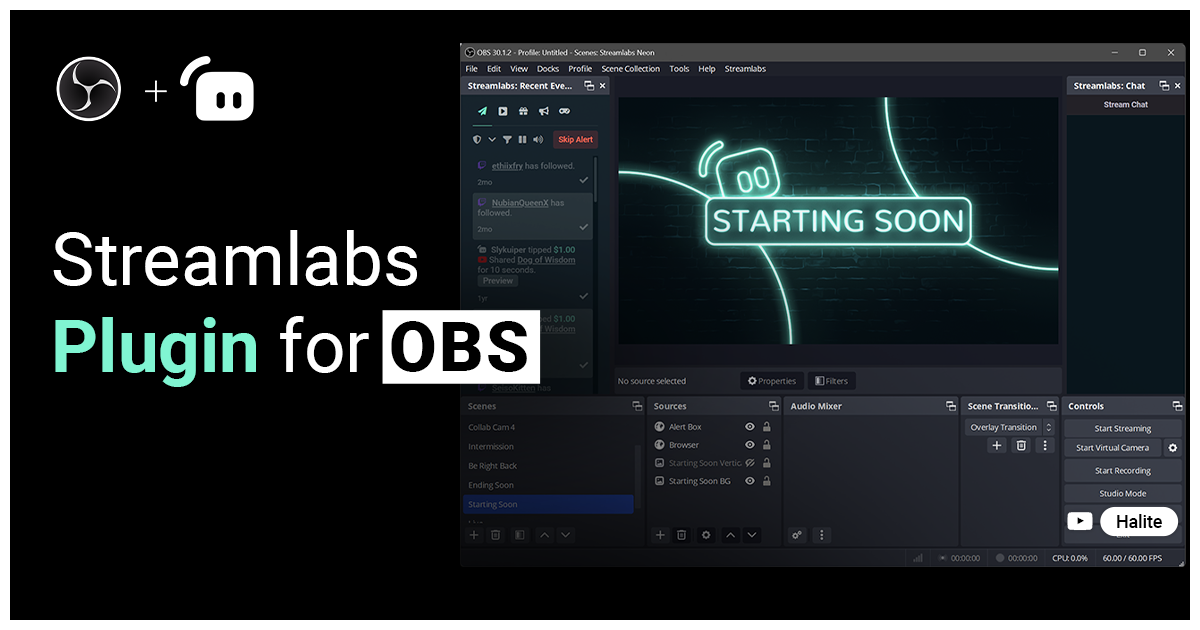
You sure you're watching a vanilla OBS video? To me, sounds more like you're using a Streamlabs instructional video (or similar plugin). Vanilla OBS doesn't have stream info or chat dock for twitch, nor is there any option to connect an account.


My guess is, that's what you're expecting but not using.
 
You sure you're watching a vanilla OBS video? To me, sounds more like you're using a Streamlabs instructional video (or similar plugin). Vanilla OBS doesn't have stream info or chat dock for twitch, nor is there any option to connect an account.


My guess is, that's what you're expecting but not using.
Hi hadji, thank you for your reply.
I am fairly sure that the video I was watching was about the vanilla version of OBS, but it was a video about the Windows version of OBS, not Linux (perhaps I took this information for granted). Furthermore, I tried installing and launching OBS on a Windows PC I have at home, and the expected behaviour was exactly the one shown in the video: at the end of the initial OBS wizard, I had the Twitch chat and Stream information docks already opened on screen; moreover, not only could I link my Twitch account to OBS by going to File > Settings > Stream, but it actually had me do so during the wizard itself.
 
I just checked and noted that I only have the option to add my twitch stream key with no connect account option. Did a little poking, and it does look like my lack of visibility is related to using Wayland. On windows, I never really used OBS (I have a lifetime XSplit license), so was not aware anything was wrong/missing. I just figured this was how OBS worked; stream keys are not uncommon for this stuff.

So I did a forum search while writing this, and found what should be a solution. I've not tested yet. I dunno if it'll only fix it for the flatpak but suspect it won't matter.


If you search youtube for the title the user listed in that thread, it should be the first result. The part you'll want to listen to starts at 4:16.

Can't say I'm too worried about a chat dock, but being able to set stream info from within OBS sounds handy. I may have to give this a try myself.
 
Just a quick mention that the solution there did not work for me. I'm not using the flatpak for OBS, so perhaps it might work there?
 
I just checked and noted that I only have the option to add my twitch stream key with no connect account option. Did a little poking, and it does look like my lack of visibility is related to using Wayland. On windows, I never really used OBS (I have a lifetime XSplit license), so was not aware anything was wrong/missing. I just figured this was how OBS worked; stream keys are not uncommon for this stuff.

So I did a forum search while writing this, and found what should be a solution. I've not tested yet. I dunno if it'll only fix it for the flatpak but suspect it won't matter.


If you search youtube for the title the user listed in that thread, it should be the first result. The part you'll want to listen to starts at 4:16.

Can't say I'm too worried about a chat dock, but being able to set stream info from within OBS sounds handy. I may have to give this a try myself.

Just a quick mention that the solution there did not work for me. I'm not using the flatpak for OBS, so perhaps it might work there?

Thank you very much for pointing this out; as soon as I have a moment, I will run some tests.
 
Back
Top