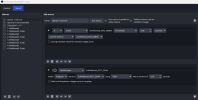
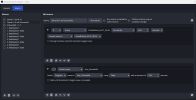
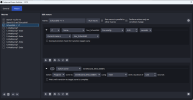
So this is more of a setup/teardown thing, and not in the middle of an ongoing stream. In that case, can you start/stop OBS entirely?This is my main monitor on which the Switch image should be displayed in large format. When I am finished, I want the desktop to be displayed again, or .....
I have not connected the image from the Switch separately, it only comes into the PC via the capture card. I can then use the projector to display it on my main monitor.
I thought there was an easy way. Start the projector, stop the projector. But that doesn't seem to be the case.
If you use it for different things, then you can have a Profile and Scene Collection for each thing, and use the command-line flags to tell it which to use. One has the projector and the other doesn't. In fact, you can have a completely different rig for each if you want, with no similarity between them at all. When you're done with one, you shut it down completely. When you want to do something with it, you start it again with the corresponding flags. Probably best to create (or copy and modify) your own shortcuts for the different flags that you're going to use...
obs --help on the command-line, to see all that you can do there. :-)